
Connector Aging Has Warning Signs: Tight Insertion, Overheating, Oxidation
INDUSTRIAL CONNECTION MAINTENANCE · PRACTICAL DIAGNOSTICS
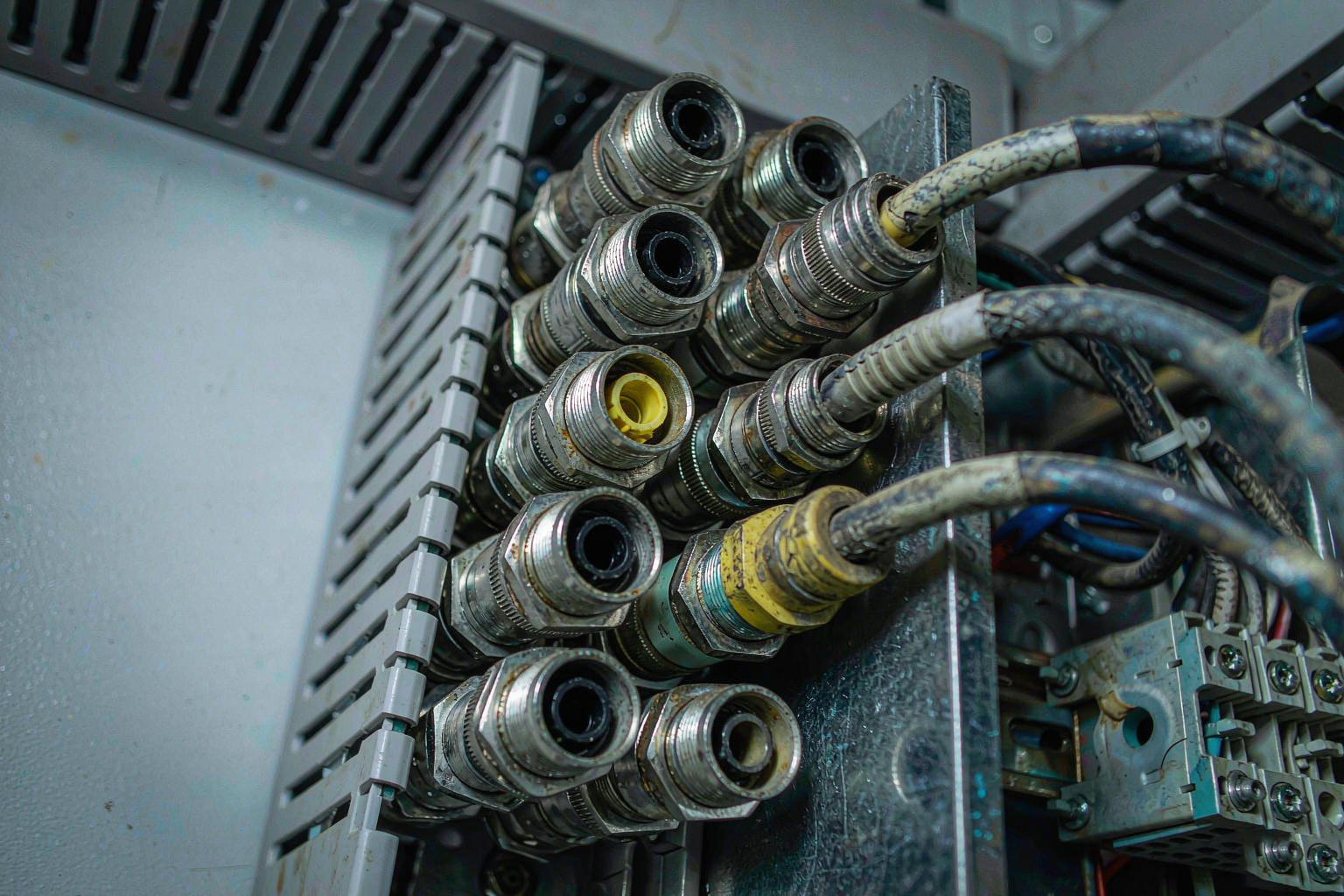
It is 3 a.m. and the production line throws an alarm. The maintenance engineer opens the cabinet and finds an M12 plug harder to seat than usual, its housing faintly warm, the metal pins tinted a dull green. Most factories see this a few times a year — yet it is usually written off as "loose contact," tightened once, and forgotten until the line stops.
A connector does not fail suddenly. Before it dies, it hands you three "sick notes." We turned them into a Connector Health Report , color-coded by risk level, so you can read the signs and replace in time.
Three signals — the danger escalates
Aging bar: the further down, the closer to downtime —
Four-step check: replace if any one hits
Red line: overheating and oxidation usually appear together. Either one means the damage is irreversible — tightening only delays the stop.
03 · SELECTIONWhat to replace it with, so you don't repeat the mistake
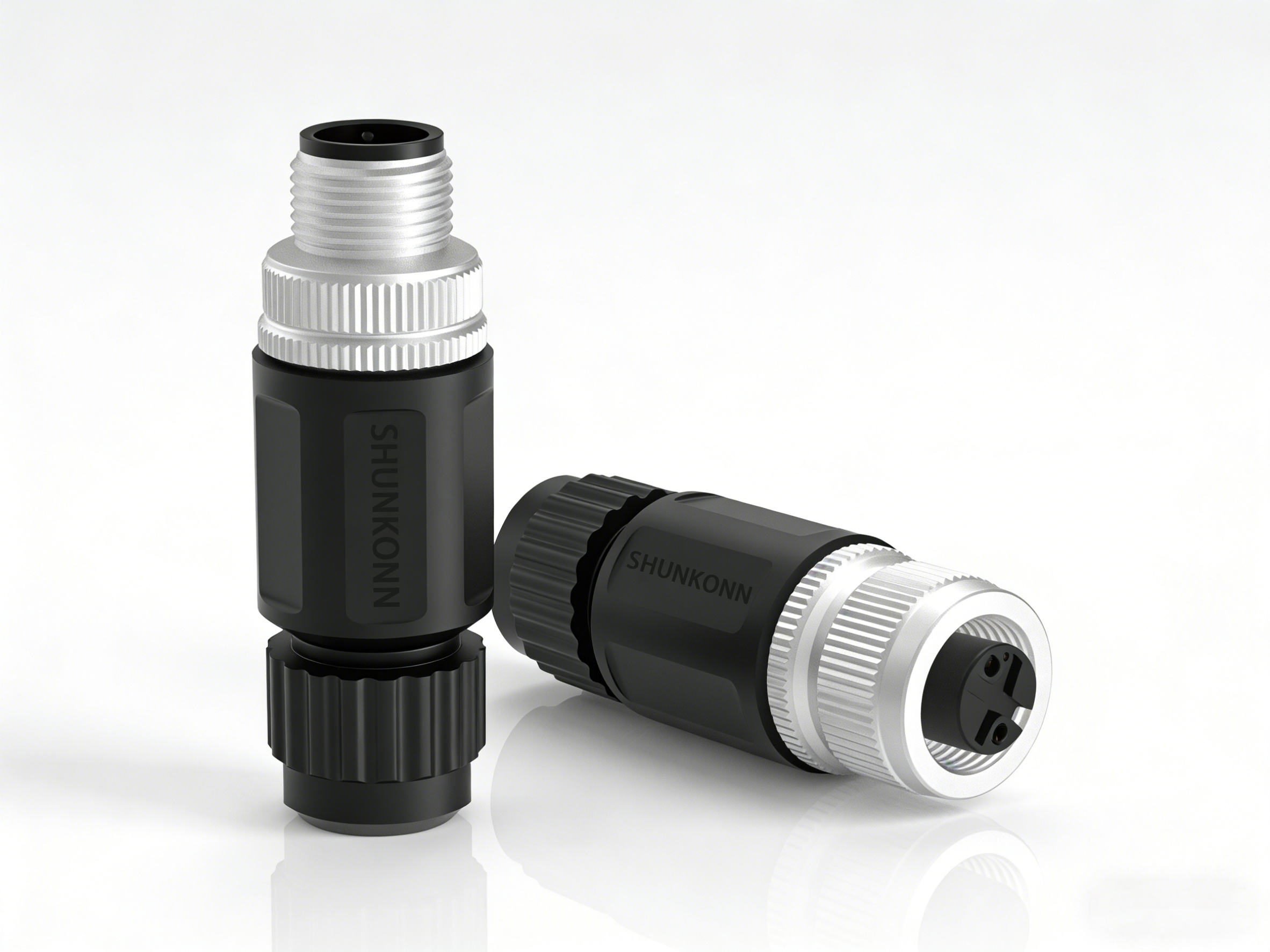
Take the Octopusconn M12 series as an example — built for exactly these harsh conditions. Reverse the three failure causes and a good replacement looks like this:
Block oxidation at source
No more overheating
No wrong insertion
The series complies with EN 61076-2-101 , supports 2–12 pins and wide-temperature stability, covering sensors, industrial Ethernet, servo drives and new energy; the M8 and M16 platforms offer drop-in replacements for different space and load needs.
Speed reference: A-coding 1Gbps (sensors) · D-coding 100Mbps/Cat5e (PROFINET/EtherCAT) · X-coding 10Gbps/Cat6A + PoE.
 BOTTOM LINE
Don't wait for downtime — replace on sight
A connector is the cheapest part on the line — yet the one most able to bring the whole line down.
Add "tight insertion, overheating, oxidation" as three fixed items in your routine inspection. Replace on sight — cheaper than any emergency repair.
Need a replacement selection for your interface (pin count / coding / mounting style), or want to request a sample for testing?
Leave your requirements on our website, or contact Octopusconn technical support — our engineers will propose a matching solution based on your operating conditions.
 telephone
 Contact US